Speedy Math Race Online
Review
Speedy Math Race offers a unique blend of racing and arithmetic that keeps players engaged. The increasing difficulty levels provide good replayability, and the simple controls make it accessible for all ages. It effectively improves mental math speed while being genuinely fun. A solid choice for educational entertainment.
About This Game
Game Introduction
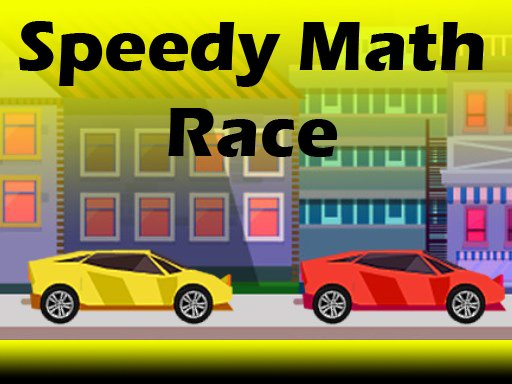
Speedy Math Race Online is an educational racing game that combines fast driving with arithmetic challenges. Players control a yellow car on a race track and solve math equations to increase their speed. The game covers addition, subtraction, multiplication, and division, making it a fun tool for sharpening mental arithmetic. Each correct answer boosts the car forward, while wrong answers slow it down. The simple design and engaging gameplay make it easy to play anytime without downloads. This family-friendly game encourages quick thinking and number confidence for kids and adults alike.
How to Play
To start, click the play button on the game screen. A yellow car appears on a race track with math equations displayed. Use your keyboard or mouse to select the correct answer from multiple choices. Each correct answer speeds up your car and moves it ahead of opponents. Incorrect answers slow the car down. The goal is to finish the race first by solving as many equations as possible. The game includes different levels that increase in difficulty, covering all four basic operations. Stay focused and answer quickly to keep your car racing at top speed. Practice improves your speed and accuracy over time.
Game Features
Fast-paced math racing with addition, subtraction, multiplication, and division. Multiple difficulty levels to challenge players. Simple controls using keyboard or mouse. No downloads or installations needed. Family-safe content suitable for all ages. Encourages mental math practice and quick decision-making.
Tips for Success
Practice regularly to improve your mental math speed. Focus on accuracy first, then work on answering faster. Learn to recognize common math facts to reduce reaction time. Stay calm under pressure and avoid rushing, as wrong answers slow you down. Use short practice sessions to build confidence gradually.